
Same call, every device. Live timer: 00:42

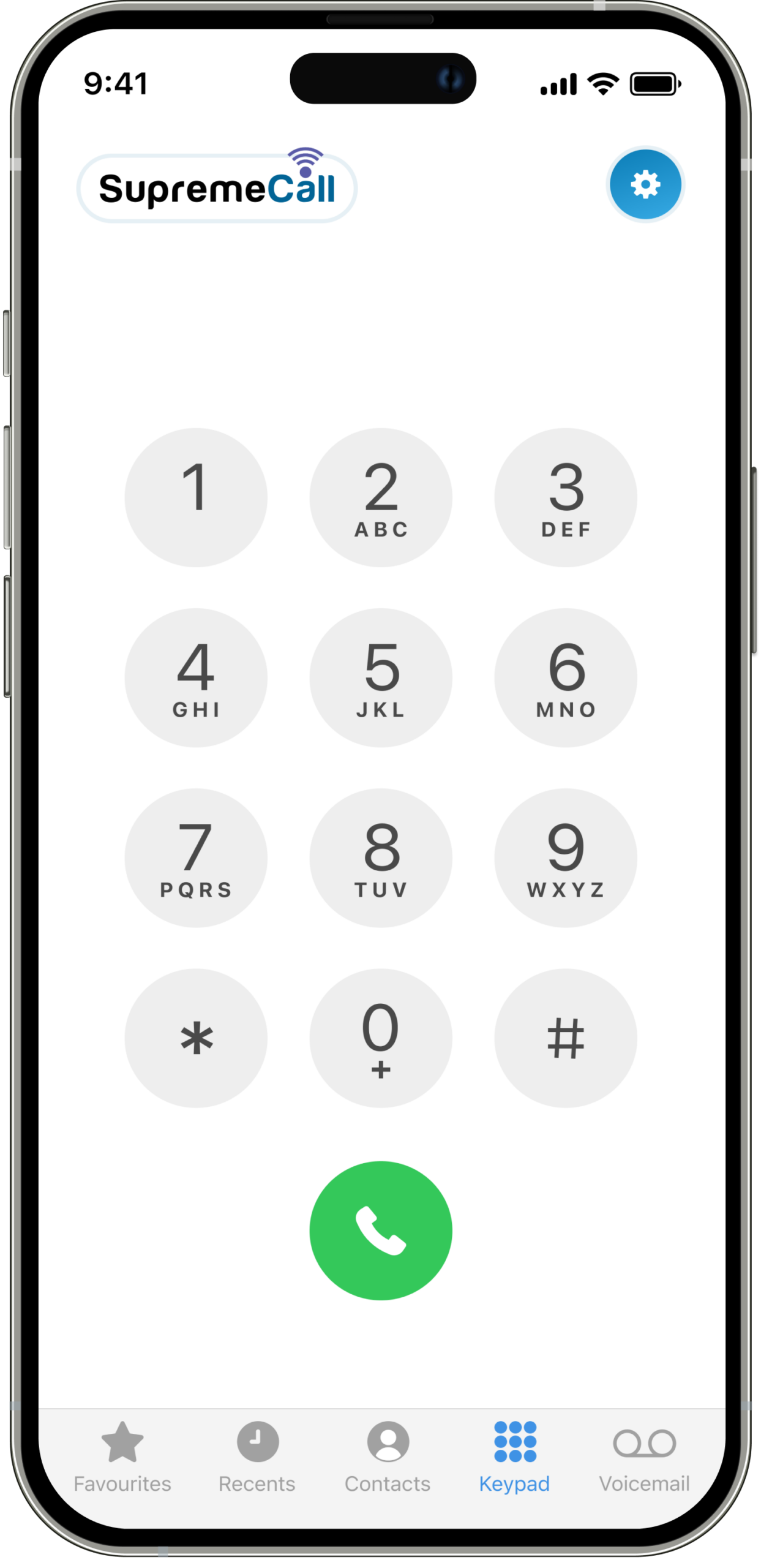
Answer, transfer and text from the business line on iPhone or Android. Callers never see your cell number.









Manage the right call flow With Call attendant and call queues, we’ll make sure The right person answers the right call.





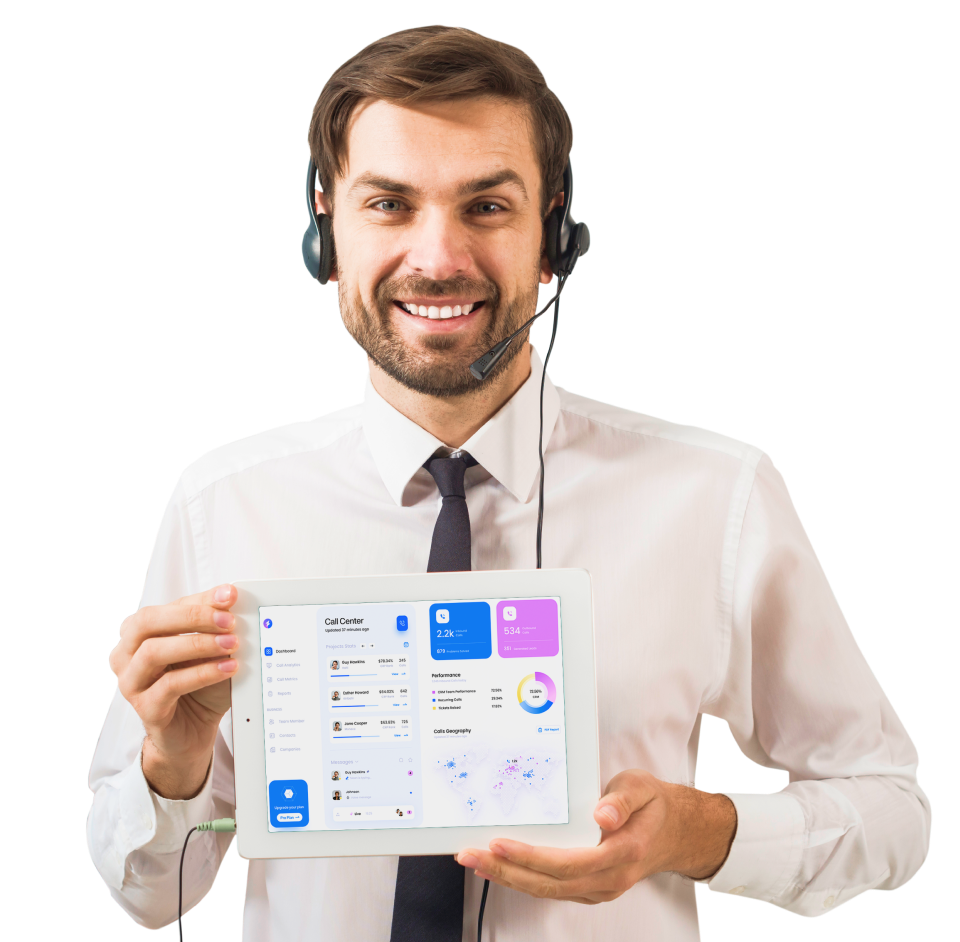
With our state of the app, you will be able to receive internal and external calls from clients and employees, as if you were at your desk.



Stay connected to your extension from everywhere, with the ability to make and receive call, transfer, send and receive SMS and much more.
Get your voicemail as an attachment or as transcript so you can easily read message left when not able to listen.
Get your voicemail as an attachment or as transcript so you can easily read message left when not able to listen.
Route calls with ease to the right department, with a Call attendant and queues.
An Auto Attendant is a telephony system feature that automatically answers and directs incoming calls, typically in a business setting. It uses pre-recorded voice prompts to provide callers with menu options, allowing them to navigate to the appropriate department or extension without the need for human intervention.
Also called a Fallback or A/B Fallback Switch, this service switches your server’s internet source to 4G or some other type of network when your main network is down.
Use this feature to send text messages from your provider application to a database with your customers’ phone numbers. VoIP phone systems can send and receive individual SMS texts, bulk texts, and automated or scheduled texts.
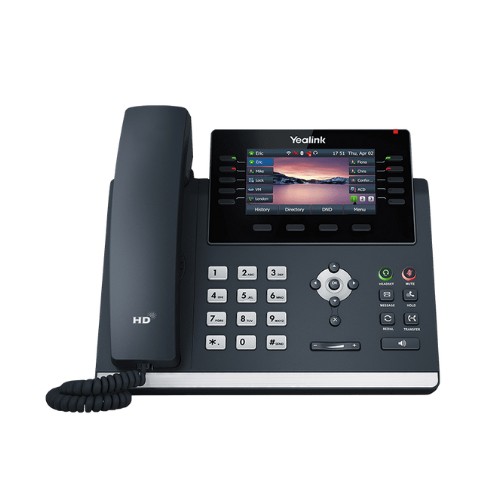
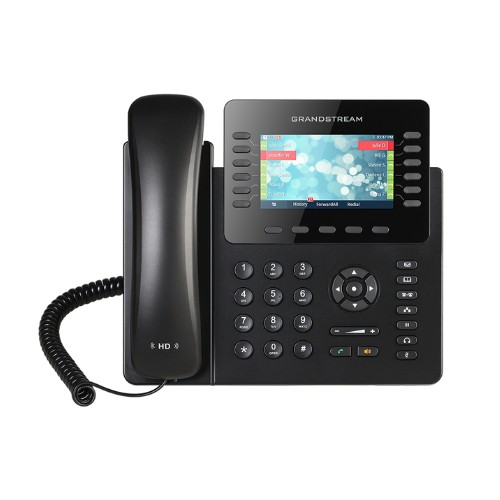
BLF is useful for quickly determining if someone in your organization is available for a call. Using SIP, the system determines if the line is busy, which then displays a busy light on your IP phone for that line.
Call analytics is the collection, analysis, and reporting of incoming and outgoing call data to better measure performance and customer experiences. It is done in real-time, and there are key performance indicators (KPIs) that are often used to track and visualize specific metrics.
Also referred to as find me/follow me, call hunting distributes inbound calls made to one telephone number to multiple phone lines. Feature Availability: Many business VoIP providers have this feature built into their plans. But in some cases, you may need to purchase it as an add-on feature.
Call park will enable team members to place a call on hold until a specific person is available to take the call.
When a business receives a high volume of calls, call queues organize calls to reduce wait time and get callers to the right agent.
Call recording allows you to refer back to calls at a later time or train agents.
Call screening allows you to make a decision about the importance of the call based on the phone number. This means that the system automatically discards spam calls and prioritizes high-value calls.
This feature allows an agent to instantly transfer an inbound call from their line to another.
This feature emits a tone to notify an on-call agent that another caller is waiting to speak with them.
Instead of passively listening in on a call, a supervisor can use call whisper to directly coach their agents during calls. The customer won’t hear the supervisor’s feedback, but it helps the agent in difficult situations.
Click-to-call allows your customers to simply click on a button on your website or mobile app and immediately establish a call with an available agent.
A conference bridge is a feature that allows more than three people to be added to a call. It‘s useful for quick team updates and meetings that only require voice.
This is one of the more common features. When using it, you will be able to upload and play audio files to your callers while they wait for an agent to become available.
Editable call flows allow you to change your routing schema at the drop of a dime so that calls are still received no matter what. Some systems allow you to drag and drop various aspects of your call flow for an easy-to-edit system.
VoIP mobile phone apps allow you to take your conversations on the go with you, letting you help your customers whenever they need it.
Many business lines have extensions that are between two and five numbers in length. That way, employees within one company can quickly communicate with each other.
Customers can use an IVR (interactive voice response) system to navigate through your call center services to reach a user, announcement, or second-level submenu. Self-service features like bill pay and survey administration are available so that the customer doesn’t needlessly tie up agents.
When calls receive no answer, they automatically go to another phone number or ring group.
IP paging intercoms are useful for businesses with spaces like warehouses or entryways that don’t have easy-to-reach IP or softphones. These work through an extension and activate the speaker for announcements.
Internet faxing uses the T.38 codec and sends faxes via a T.38-compatible gateway, so they are sent without a dedicated analog fax machine. The codec changes faxes to an image and (through an internet connection) sends the image as a data packet to the target location where it’s changed back to a traditional fax.
Ring groups allow you to ring multiple agents and users when a single number within the group receives a call.
A short messaging system (SMS) lets you send short text messages to your database through your provider.
A softphone is a software-based telephone. In other words, this is an application that you run on your device that provides users with the functions of a standard desktop phone.
This is an integration with third-party software that enhances the features of your provider. For example, a CRM integration lets you access your CRM contacts and dial straight from your dashboard.
With time-based routing, the voice system routes inbound calls based on the time of the day, month, or year. For example, rather than have a customer call you after hours, you set the system to route calls to an auto-attendant after 6 PM.
Toll-free numbers let customers call you without incurring any charges on their phone bill.
With this feature, your voice recordings are sent to your registered email, and an audio attachment is available for download as well. This transcription is very convenient because you don’t cycle through your inbox to hear important messages.
This feature lets users see new voicemails as SMS messages.





We'll arrange a one-on-one call to comprehend your business requirements and devise a tailored plan to address your specific needs.



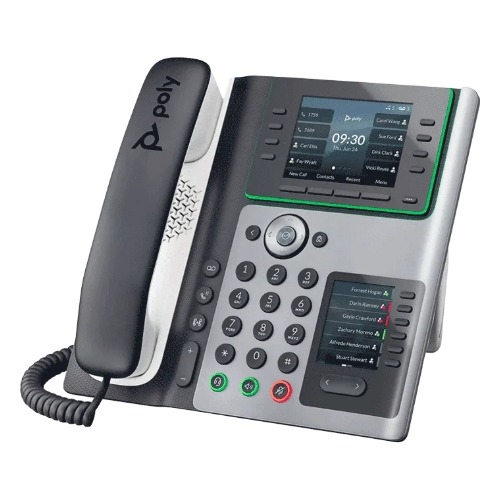
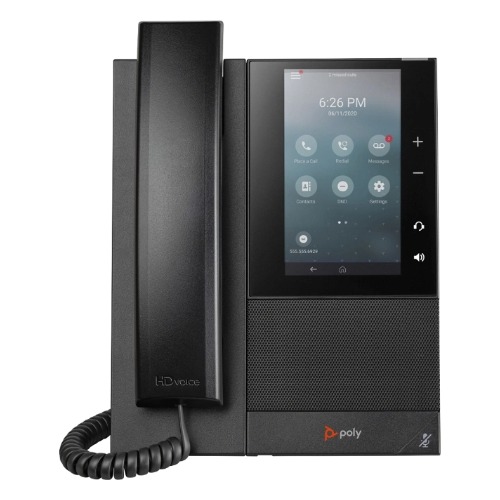
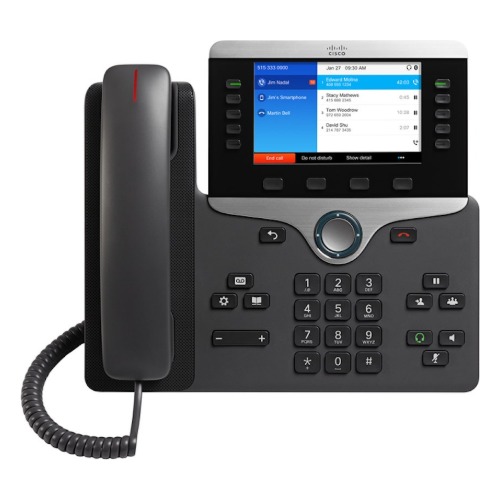
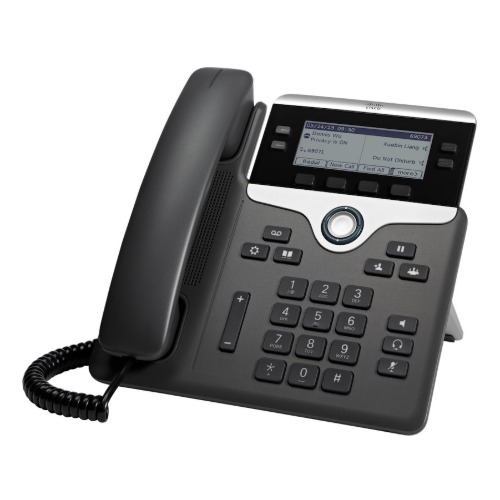
We will set up and configure all aspects on our backend, provision physical phones, and ensure that your network is optimized for VoIP services.



We will assess the call flow, ensuring it aligns with your requirements, and make any necessary adjustments.



We will train your team on how to use the system and phones, and provide guides on the system.


Supreme Call team has been amazing and responsive during set up and throughout the integration process. I have learned a lot from them and would recommend them hands down. As we build and grow it’s comforting to know they can meet our demand. The savings are already starting to be evident as we have replaced our old set up with its high costs.
Thanks Supreme Call.


5 Stars
We’ve enhanced our customer service by implementing Supreme Call services a user-friendly setup, enabling us to provide a more professional experience to our clients. With remote offices in various locations, the service has significantly improved our connectivity and efficiency. The customer support team was excellent in assisting us with the phone setup as well.

5 Stars
I was shopping around for different phone companies while expanding my business to include an upstairs suite. Initially, I received some expensive quotes for upgrading the phone system. However, I came across Supreme Call and had a conversation with Alon. Not only did I enhance my entire system, but I’m also saving a significant amount of money. The service is exceptional and tailored to our needs! We’re thoroughly enjoying the new phone system; it’s precisely what our growing business required. I highly recommend it!

5 Stars
Up until now, my experience has been nothing but positive. Unlike my previous experiences with other phone providers, They answer quickly. They promptly arranged for someone to schedule and set up my phone system efficiently. The pricing is reasonable, and the representatives are both professional and courteous.

5 Stars
We had an old phone system for ages, and weren’t aware of the features and capabilities, Supreme Call offers. I was explained how the system would benefit my company, and the implementation was great. We got the training we needed and prompt customer service. We are quite content with Supreme Call.

5 Stars
I got a recommendation from a business consultant I worked with , to upgrade out phone system, and how I can stay connected while im out of the office. Couldn’t be happier, with Supreme Call’s system and customer service, I highly recommend them.

5 Stars
Blog Insights Stay ahead of the curve with our expertly curated blog posts. From industry news to practical tips for enhancing your business communication, our blog is a treasure trove of valuable insights.
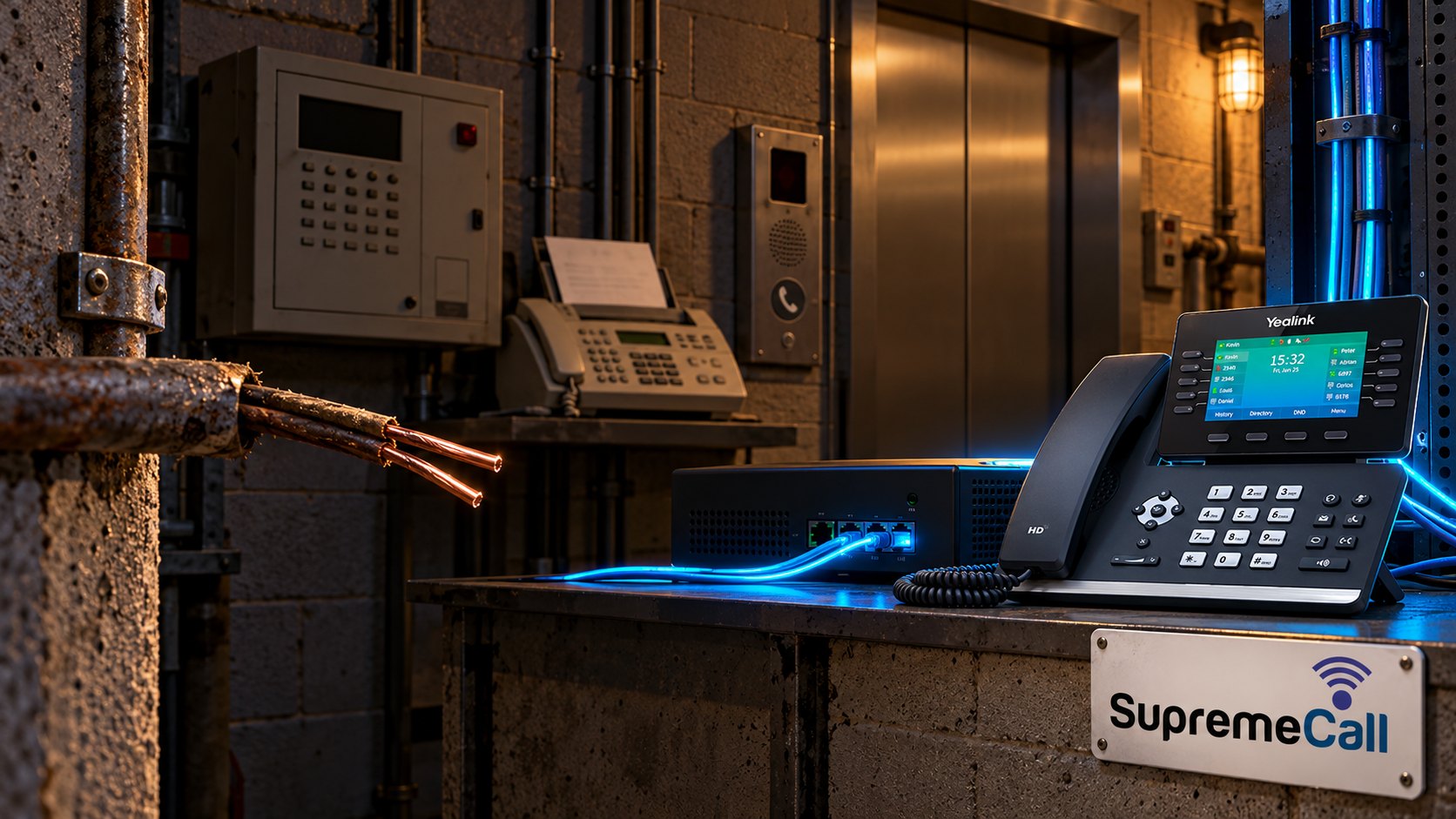
Most businesses that get an AT&T copper retirement letter think about one thing first: the main phone number. That part is usually simple. The number can be moved to a cloud phone system and customers never notice. The harder…

A homeowner fills out your website form at 9 a.m. asking for an estimate. Your office calls back at 9:15. Nobody answers. You try again after lunch, then leave a voicemail. Two days later you learn they hired someone…

Who Answers When Your Team Can’t? AI Receptionists for After-Hours and Overflow Calls Your office manager is already on the phone. A second customer calls while the owner is driving between appointments. Later that evening, someone finds your business…
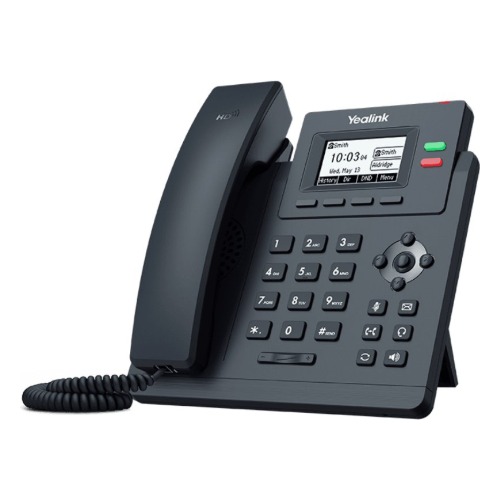
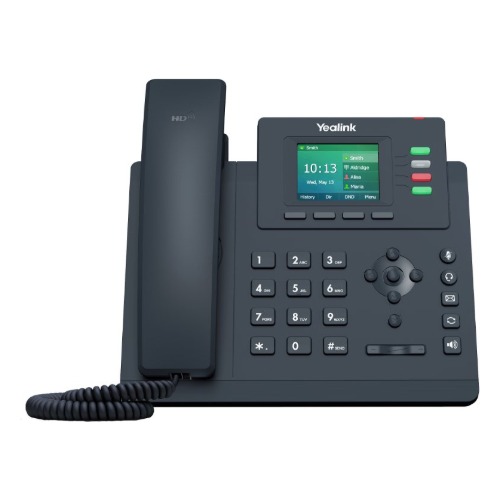
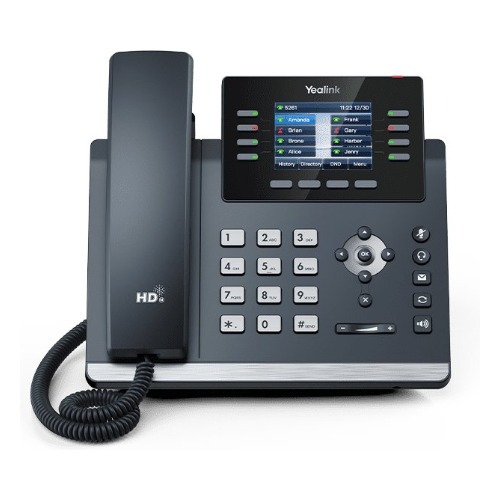
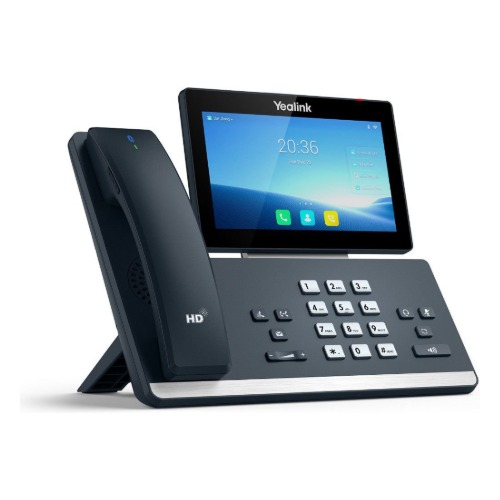
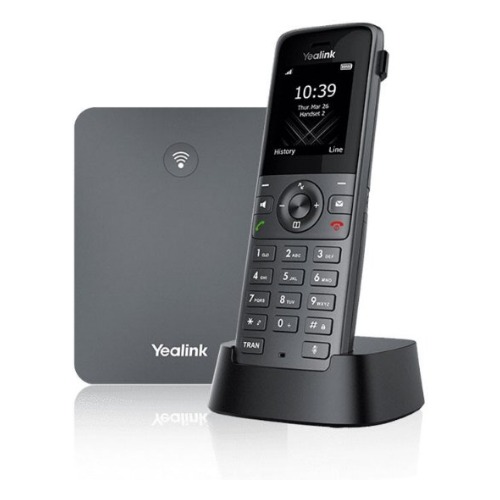
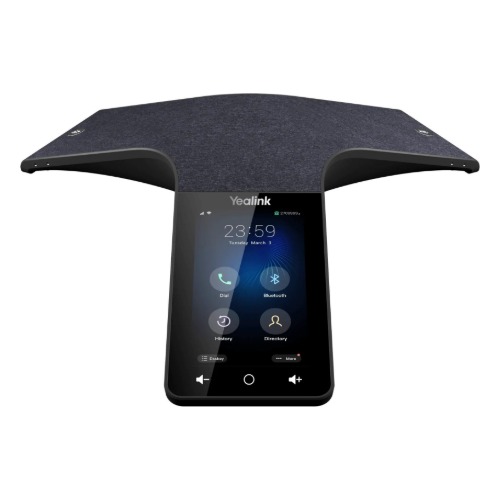
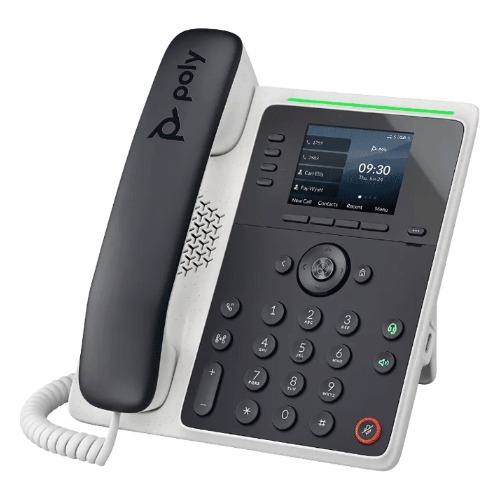
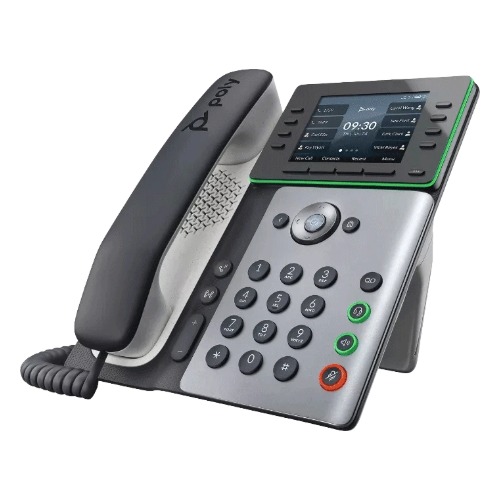
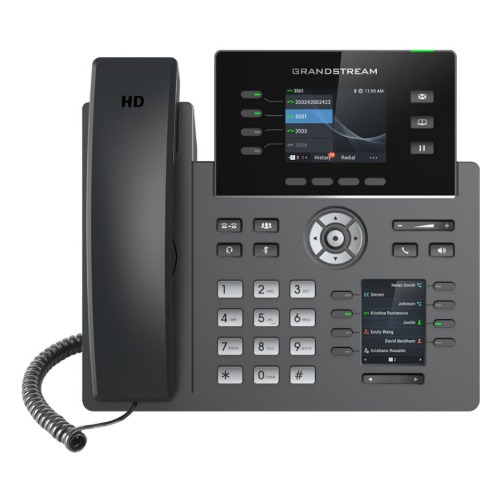
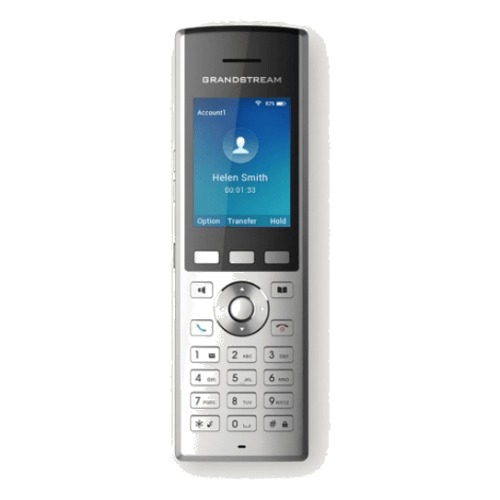
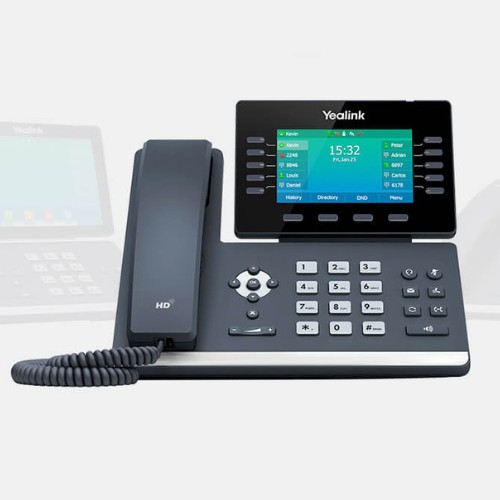
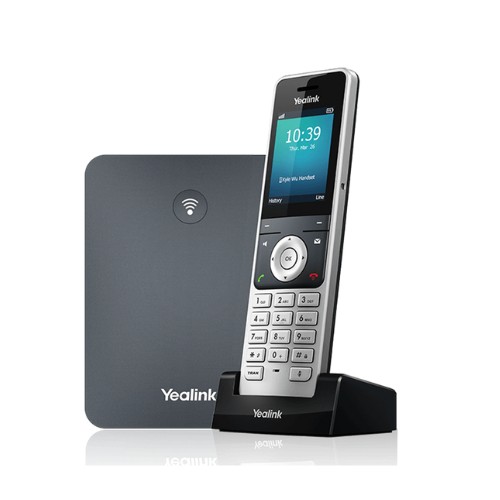
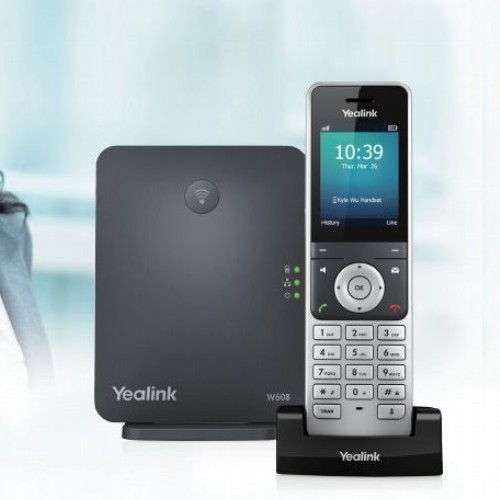
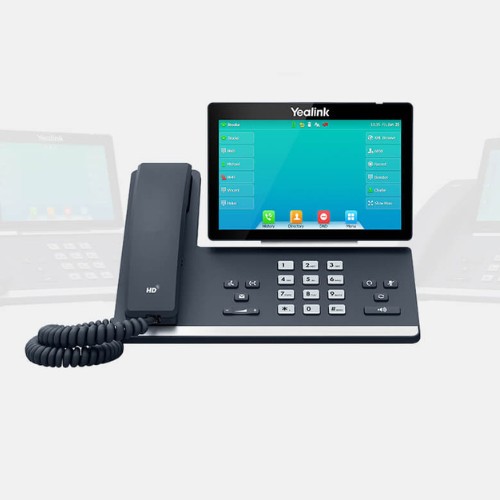
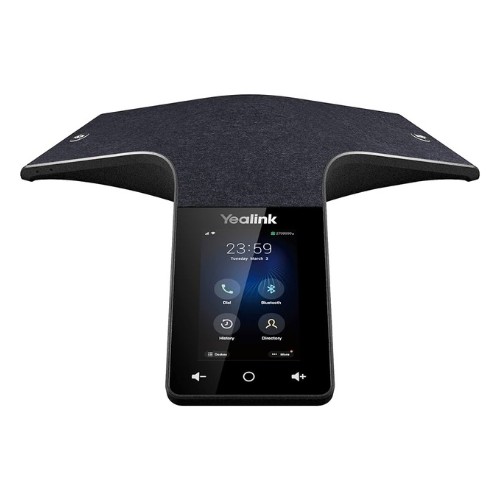
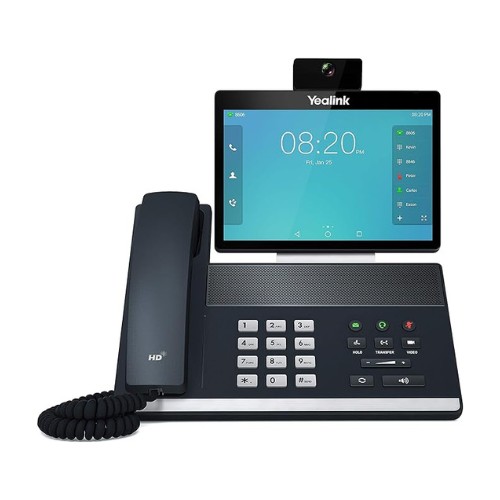
Supreme Call enables seamless connection between various devices, including mobile phones, which can be integrated into our system.
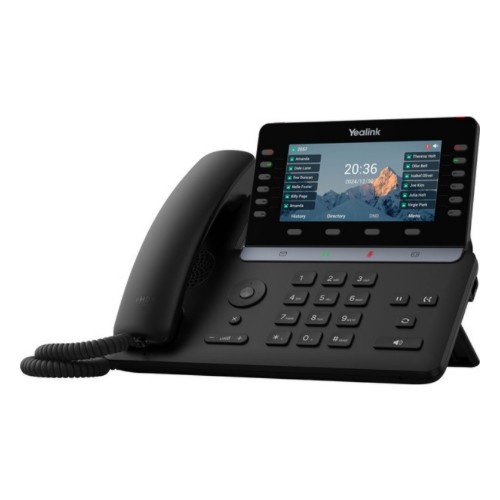
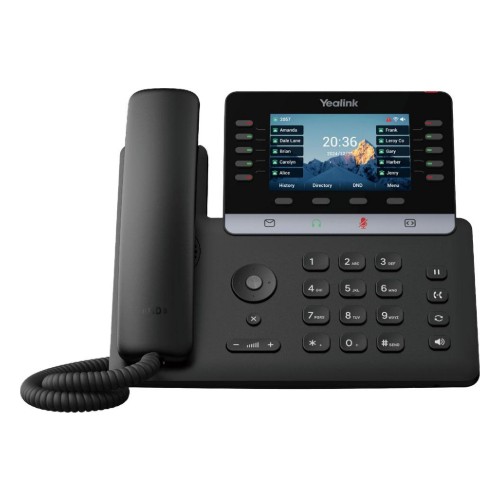
Have questions? We have answers. Our FAQ section addresses your most common questions, offering quick solutions and clarifying details about our services and features.
A cloud PBX is a business phone system that runs in a secure data center instead of on a box in your office. It handles your extensions, call routing, voicemail and auto attendant, and your team can answer the same business number from a desk phone, the mobile app or a computer.
Because there is no on-site PBX hardware to buy or maintain, changes and updates are handled for you, and adding a new user takes minutes instead of a technician visit.
An auto attendant answers incoming calls with a recorded greeting and a short menu, such as “Press 1 for sales, press 2 for service,” then routes the caller to the right person, department or voicemail box.
You can set different greetings and routing for business hours, after hours and holidays, so every call is answered even when nobody is at the front desk.
Voicemail to email sends each new voicemail to your inbox as an audio file, with a written transcription, as soon as the caller hangs up. You can read or play messages on your phone or computer and forward them to a coworker without dialing into a voicemail box.
Fax to email (online fax) lets you receive faxes as PDF attachments in your email and send faxes from your computer, with no fax machine or separate fax line. If your office still prefers a physical fax machine, it can connect to the phone system through an analog adapter (ATA).
VoIP usually costs less than traditional business phone lines, especially for offices with several lines, because calls run over your internet connection instead of separate copper lines. You can keep your existing phone numbers.
Features such as an auto attendant, call recording, voicemail to email and the mobile app are built in, and users can be added or moved without rewiring. The main requirement is a reliable internet connection, so we check your network during setup and can add 4G/5G failover to keep calls working if the internet goes down.
Work with your team and customers with cloud-based and scalable communication solutions that grow with your business. A developer-friendly system that seamlessly integrates with any software or CRM and real-time call analytics and data.