
Last updated October 31, 2026
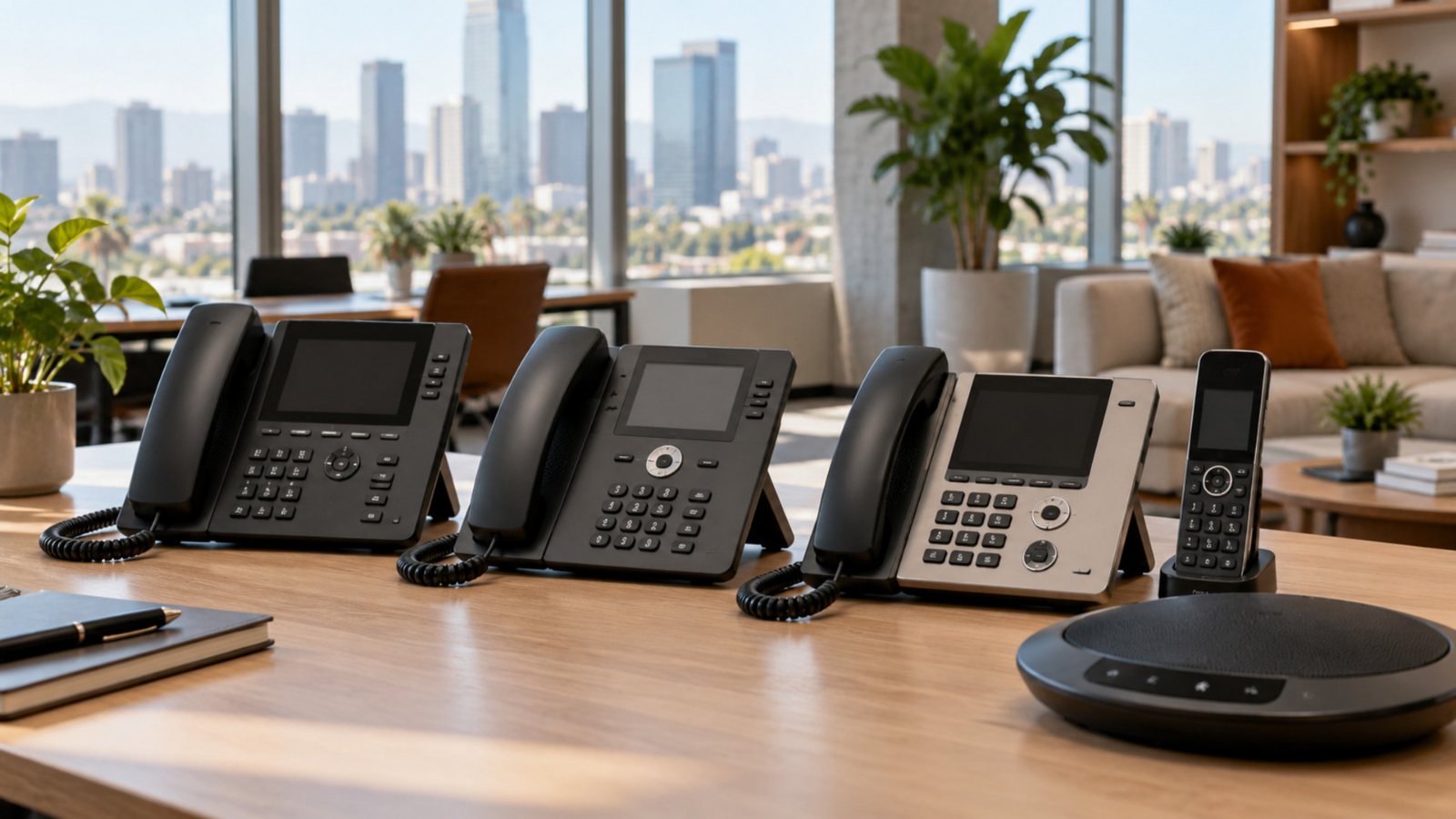
Short answer: match the phone to the job. Receptionists need many line keys, executives benefit from the best audio, staff who move around need cordless handsets, and meeting rooms need a conference phone. Many teams also skip a desk phone and use the free Supreme Call mobile and desktop apps.
| Role or space | Recommended phone | Why |
|---|---|---|
| Reception and front desk | Yealink T57W or Grandstream GXP2170 | Many line and busy-lamp keys to see who is free and transfer fast. Both support expansion modules for even more keys. |
| Executives and managers | Yealink T85W | Large tilting color screen, Wi-Fi 6, Bluetooth headsets and AI noise cancellation for the clearest calls. |
| Everyday office staff | Yealink T54W or Yealink T74W | Color screen, built-in Wi-Fi and Bluetooth, and strong audio at a mid-range price. |
| Budget-friendly desks | Yealink T46U | Reliable color-screen phone with 16 accounts; add Wi-Fi or Bluetooth with optional USB dongles. |
| Video meetings at the desk | Yealink VP59 | 8-inch touch screen and a removable 1080p camera for face-to-face calls without a computer. |
| Warehouse, shop floor, clinic hallways | Yealink W76P or Yealink W60P | Cordless DECT handsets so staff take calls on their extension while moving around. The W76P supports more handsets and calls. |
| Conference rooms | Yealink CP925 (small and medium rooms) or Yealink CP965 (larger rooms) | 360-degree microphones that pick up voices up to 20 feet away, with noise reduction for group calls. |
During a free consultation, Supreme Call reviews how your team works and recommends phones for each desk. We supply, configure and install them on-site across Los Angeles. See all phones we offer or read the business phone FAQ.